
For players in Great Britain, getting a casino app onto an iPhone involves more than tapping a download button. The app’s availability, the operator’s terms, and local rules all matter. This guide explains how to check whether a 1win iOS app is offered, how to approach an installation safely, and what to consider before using an online casino. Availability can change, so verify details through current official sources rather than relying on old links or third-party instructions.
Start by checking availability in the UK
Before attempting an installation, visit the 1win website using Safari and look for its official app or mobile section. Check whether the page specifically supports iOS and whether it is intended for users in the United Kingdom. An app listed for another country may have different features, terms, or access restrictions.
Also check the operator’s current legal and licensing position. Great Britain has its own gambling rules, and a website or app being reachable does not by itself establish that it is authorised to provide gambling services to people in the UK. Search the UK Gambling Commission’s public register and consult its consumer guidance. If the operator is not appropriately authorised for the service offered, do not deposit or gamble through it.
Do not assume that an app appearing in search results, a social-media post, or a download directory is official. A trustworthy route begins from a domain you have independently confirmed belongs to the operator. Avoid sponsored search results and messages offering special installation files or guaranteed bonuses.
How to find the official iOS download route
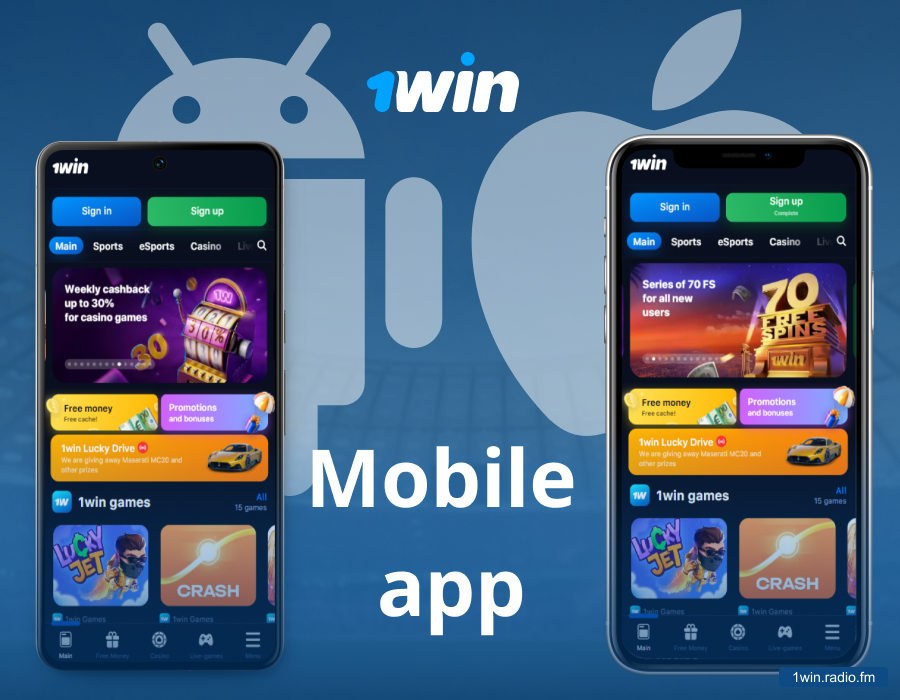
- Use a current browser. Open Safari on your iPhone and type the address of the verified 1win website yourself. Avoid links sent by strangers or posted in unofficial groups.
- Look for iOS instructions. If the site has an app page, read all instructions and check that they identify the publisher and the intended region. If there is no iOS option, do not try to force an installation using a file from another source.
- Prefer Apple’s App Store. If the operator provides an App Store listing for your region, open it directly and check the developer name, app details, age rating, privacy information, and recent reviews. Confirm that the listing links back to the verified operator.
- Review the terms before signing in. Read the current eligibility requirements, privacy notice, withdrawal rules, and any applicable geographic restrictions. Do not create an account if the service is not legally available to you.
- Keep iOS up to date. Install system updates from Settings, and use a supported iPhone model. Updates help protect the device, but they do not make an unofficial app safe or lawful.
App availability can vary by region and over time. If an official page directs users to a configuration profile, enterprise certificate, or other installation method outside the App Store, pause before proceeding. Such methods can grant software privileges or become invalid without notice. Only follow a process if you can verify it through Apple’s current guidance and the operator’s independently confirmed support channel. Never disable security protections simply because a download page asks you to do so.
Installing and checking the app
When an official App Store listing is available to you, tap Get and authenticate using the normal Apple process. Once installed, open the app and check that its branding and developer information match the listing. If the app asks for unrelated permissions, such as access to contacts or files that are not needed for its stated function, deny the request and seek clarification from official support.
For any alternative installation route, do not treat a successful download as proof of authenticity. Check the publisher, certificate, and instructions against information published on the verified official site. Be cautious if the app requests your Apple ID password outside Apple’s own sign-in interface, asks you to install unknown profiles, or redirects you through several unrelated domains. Stop if anything looks inconsistent.
Use a unique password and, where offered, enable additional account security. Do not reuse your email or banking password. Avoid logging in over public Wi-Fi, and never send identity documents or payment details through an unverified messaging account. If you already installed an app you suspect is fake, delete it, change any reused passwords, and contact Apple or your bank if sensitive information may have been exposed.
Using the mobile website instead
If no verified iOS app is available, the mobile website may be the simpler option. Open the verified site in Safari and check that the address remains correct when you sign in. Safari’s Add to Home Screen feature can create a shortcut, but a shortcut is not a separately installed app and does not verify the operator’s licensing or security.
A browser-based version can still provide access to casino games and account functions, depending on the site and your location. Compare how it works on your device before depositing: menus should be readable, account controls easy to find, and responsible-gambling tools accessible. If the site behaves unexpectedly, displays misleading pop-ups, or repeatedly redirects you, leave it rather than trying to work around the problem.
What to check before playing
Installing software is only one part of deciding whether to use an online casino. Before registering or depositing, consider the following:
- Legal status: Confirm the operator’s authorisation for Great Britain using official sources. Do not rely solely on a logo displayed on a casino page.
- Age and identity checks: Gambling is restricted to adults. A legitimate service may require identity and age verification, and you should provide documents only through a verified, secure channel.
- Payments and withdrawals: Read payment conditions, fees, processing times, and withdrawal rules. Never pay an unexpected “release fee” to access supposed winnings.
- Bonuses: Review wagering requirements, game restrictions, expiry dates, and maximum withdrawal clauses before opting in. A promotional offer is not guaranteed profit.
- Privacy: Read what data is collected and how it is used. Keep the app and iOS updated, and use device security such as a passcode or biometric lock.
Casino games are designed with a house edge, and outcomes are uncertain. No app, strategy, or betting pattern can guarantee a win. Set a spending limit you can afford to lose, decide how long you will play, and stop when either limit is reached. Never gamble with money intended for bills, borrowing, or essential expenses.
Frequently asked questions
Is there definitely a 1win app for iPhone in the UK?
Availability may differ by country and change over time. Check the verified operator website and the UK App Store directly. If no authentic listing or clearly documented iOS route is provided, do not download a file from an unofficial source.
Can I install an iOS app from a website?
Some services describe installation methods outside the App Store, but these can involve additional security and trust considerations. Verify any process with Apple’s current guidance and the operator’s official support. Do not install unknown profiles, bypass warnings, or share your Apple credentials with a third party.
Is the app safe because it opens on my iPhone?
No. Opening successfully does not prove that an app is authentic, secure, or authorised for UK gambling. Verify the publisher and source, inspect permissions, and check the operator’s regulatory status independently.
What should I do if the app is unavailable?
Do not use a VPN, fake location, or another person’s account to get around regional restrictions. You can check whether the verified mobile website is available and lawful for you, or choose a service appropriately authorised in Great Britain.
Make an informed choice
The safest approach to the 1win app download iOS version is to verify first and install only through a source you can authenticate. Check the App Store and the operator’s current official instructions, confirm UK availability and licensing, and avoid third-party download pages or security workarounds. If you cannot establish that the app and service are legitimate and suitable for Great Britain, do not install it or deposit funds.
Keep gambling recreational and within firm limits. If gambling stops feeling like entertainment, take a break and use available blocking or self-exclusion tools. In Great Britain, independent support is available from organisations such as GamCare and GambleAware; seek help promptly if you are worried about your gambling or someone else’s.
